Once Stream Twice
Your main source of information on strategies to maximize TWICE's streams on digital platforms!
Spotify Guide
Spotify Daily Tracking
⏰ Spotify Daily TrackingEST (Eastern Standard Time): 8:00 pm to 7:59 pm
KST (Korean Standard Time): 9:00 am to 8:59 am
-
Spotify Weekly Tracking: Friday 12:00 AM - Thursday 11:59 PM UTC
Streaming Guidelines
Basic Settings
🚫 Disable shuffle (Spotify settings)
🚫 Disable Autoplay (Spotify settings)
🚫 Don't mute audio
🔉 Low volume, but not at the lowest setting.
🎧 Use headphones if possible.What to avoid
❌ Don't loop songs or playlists.
❌ Don't use VPNs or APK packs.
❌ Don't shuffle playlists.Streaming Tips
👉 Use 2-3 filler songs in between the focus/release song!
✅ Have 2-6 accounts (premium or free) on Spotify per IP.
✅ More accounts = less risk of streams being disregarded in the charts.
✅ Vary filler songs throughout the playlist.
✅ Interaction with the app:
Pause, like, add to queue, change volume, etc.Suggested Filler Songs
✅ Other old TWICE titles.
✅ TWICE's b-sides.
✅ Nayeon, Jihyo, MISAMO, Chaeyoung, Jeongyeon, Tzuyu.
✅ Other artists you like, but TWICE is recommended.💡 Advanced Tips
• Each account can generate up to 20 filtered streams per song for the charts daily. If the song has more than one version available, 20 more streams are allowed, totaling 40, and so on.
• Keep streaming. While there is a limit on the number of streams for the charts (20), there is no limit to the overall Spotify count. However, avoid suspicious and repetitive behavior.
• You can stream on up to 6 accounts per IP. On a computer, use different browsers for each account.
Playlists on Spotify
Repeating a song in a playlist so that it plays more times is only possible on the Desktop or Web versions of Spotify.👉 Use 2-3 filler songs in between the focus/release song!👉 When there is more than one focus song, you can place just one filler song between them to create a slight variation and avoid direct repetitions. To understand better, see the second table.✅ These are structures studied by other fandoms that achieve good results in the charts.
| Playlist Structure: Single Focus |
|---|
| Filler Song |
| Focus Song |
| Filler Song |
| Filler Song |
| Focus Song |
| Filler Song |
| Filler Song |
| Focus Song |
| Filler Song |
| Filler Song |
| Filler Song |
| Focus Song |
| Filler Song |
| Filler Song |
| Focus Song |
| Filler Song |
| Playlist Structure: Dual Focus |
|---|
| Filler Song |
| Focus Song 1 |
| Filler Song |
| Focus Song 2 |
| Filler Song |
| Focus Song 1 |
| Filler Song |
| Focus Song 2 |
| Filler Song |
| Focus Song 1 |
| Filler Song |
| Focus Song 2 |
| Filler Song |
| Focus Song 1 |
| Filler Song |
| Focus Song 2 |
| Filler Song |
| Focus Song 1 |
| Filler Song |
| Focus Song 2 |
| Filler Song |
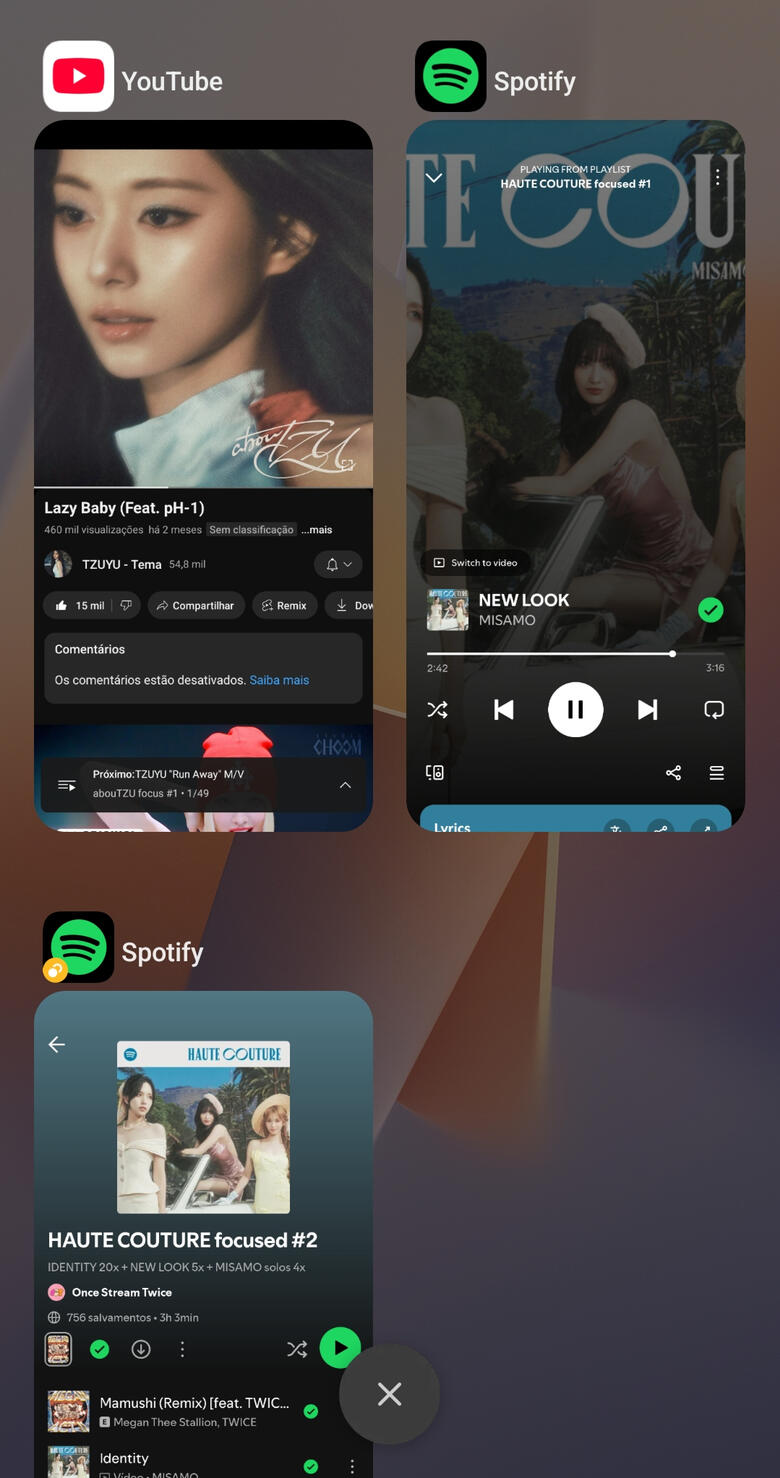
Simultaneous Streaming on Spotify
— It is recommended to use up to 6 accounts per IP for simultaneous streaming, as this aligns with the Spotify Family Plan limit.Now, think about it this way:
✅ 1 account = 100 streams per day
✅ 6 accounts = 600 streams per day!
That means in just 10 days, you alone will have generated 6,000 streams! 🤯🔥— There’s no limit to how many times you can stream a song on Spotify.— Avoid skipping the song too early. Let it play in full so every stream counts!Computer 💻
✅ Log into each account on a different browser (Chrome, Firefox, Safari, etc.).
✅ Why use a PC? Easier management, fewer interruptions (like ads), and access to features like disabling shuffle mode.
✅ Vary your streams — listen to other artists before playing focus tracks to prove you're a real listener.
✅ Free accounts work too — it’s literally free to support TWICE daily!Mobile 📱
✅ Check if your phone allows multiple audio streams or playback from different apps via Bluetooth.
• Samsung users: Download Sound Assistant from the Galaxy Store.
• Xiaomi users: Go to Settings > Sounds and vibrations > Sound Assistant > Activate All to enable multiple audio streams.
✅ Some Android phones offer dual app or dual audio features—this lets you duplicate apps like Spotify and play them simultaneously, doubling your streams!